10 Effective Note-Taking Techniques to Boost Your Productivity
Note-taking is an essential skill for enhancing productivity and retaining information. In today’s fast-paced world, effective note-taking techniques can make all the difference in how we manage our time and understand complex information. Here are ten techniques that can help you transform your note-taking habits and boost your productivity:
- Mind Mapping: This technique involves creating a visual representation of information, allowing you to see connections between concepts. It can enhance creativity and recall.
- Cornell Method: This structured format divides your notes into cues, notes, and a summary, making it easier to review and study. For more details on the Cornell Method, visit this resource.
- Bullet Journaling: Combining note-taking with planning, bullet journaling helps track tasks, goals, and events all in one place.
- Digital Notes: Utilizing software like Evernote or OneNote can keep your notes organized and accessible from anywhere. For tips on optimizing digital note-taking, check out this guide.
- Active Listening: Improving how you listen during lectures or meetings can lead to more effective notes. Engage with the content by summarizing key points in your own words.
- Outline Method: This hierarchical approach involves creating an outline of main topics and subtopics, making it easier to review.
- Highlighting: Use highlighters to emphasize key concepts in your notes, ensuring important information stands out.
- Recording Lectures: If permissible, recording sessions can supplement your notes with auditory details. Ensure to revise these notes afterward for better retention.
- Color Coding: Assign colors to different themes or subjects within your notes to visually categorize information.
- Review and Revise: Regularly reviewing and revising your notes can enhance memory retention and understanding.
How to Organize Your Notes for Maximum Clarity and Retention
Organizing your notes effectively can drastically improve clarity and retention of information. Start by categorizing your notes into specific themes or subjects. This can be done using digital tools like Evernote or Microsoft OneNote, which allow you to create notebooks and sections that keep related notes together. Additionally, consider using color coding or symbols to create a visual hierarchy that makes important points stand out. For example, use highlighters to differentiate between main ideas and supporting details:
- Yellow for key concepts
- Green for examples
- Blue for definitions
Another effective strategy involves summarizing your notes after each study session. This not only enhances retention but also reinforces learning. Create summary pages that encapsulate the core ideas in your own words. Mind mapping can also be a powerful visual tool to organize complex information and show relationships between concepts. For more tips on transforming your note-taking habits, check out resources like Mind Tools or Boost Your Writing.
What Are the Best Tools for Digital Note-Taking?
In today's fast-paced digital world, the right tools for digital note-taking can significantly enhance your productivity and organization. Various applications cater to different needs, making it crucial to choose one that aligns with your style. Popular options include Evernote, which offers robust features like web clipping and cross-device synchronization, and Microsoft OneNote, known for its seamless integration with other Microsoft Office tools. Additionally, Notion provides an all-in-one workspace where you can create notes, manage projects, and collaborate with teams.
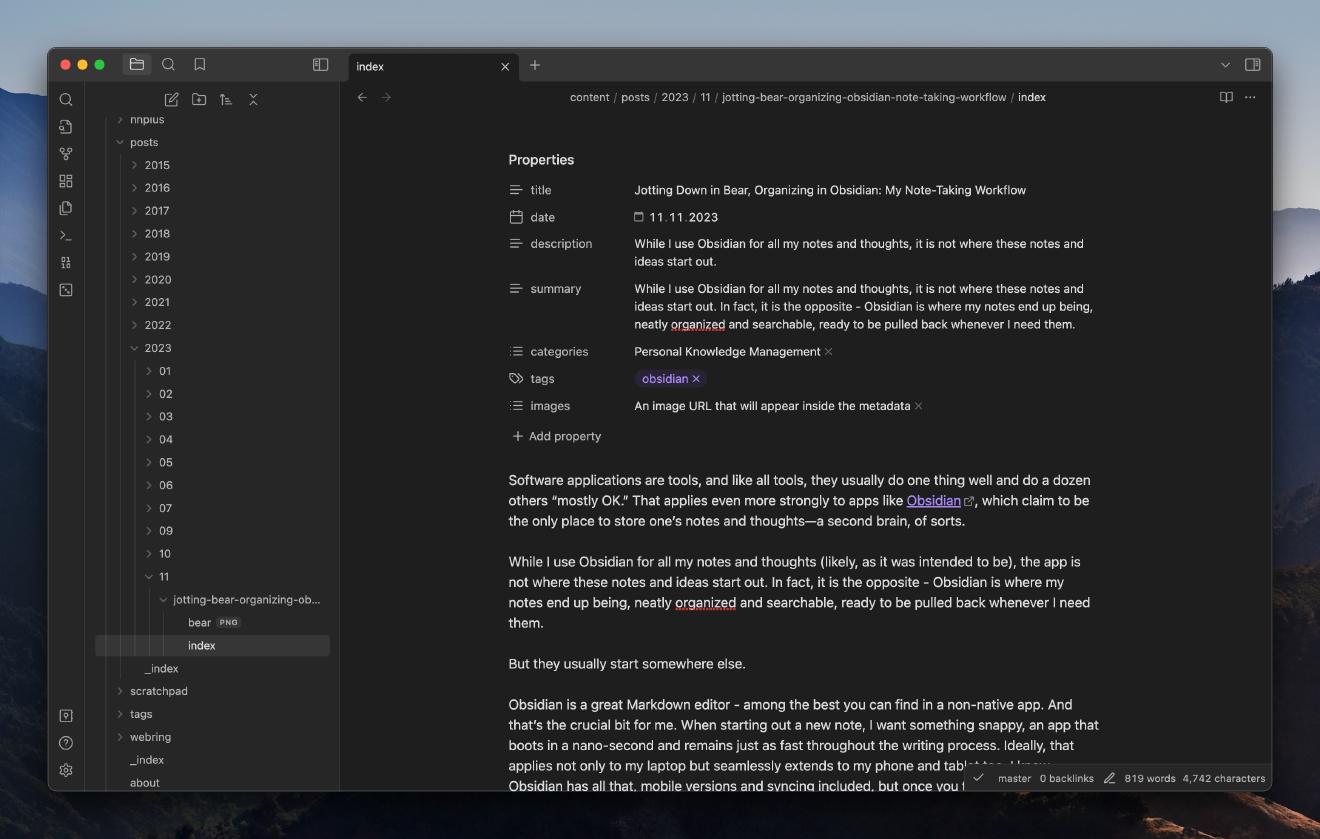
Another strong contender in the realm of digital note-taking is Bear, which prioritizes minimalism and aesthetics, making note-taking a delightful experience. For those who prefer simpler applications, Simplenote offers a straightforward platform focused solely on the essentials of note-taking without any distractions. Whether you need collaborative features or a minimalist design, exploring these options will help you find the best tool to streamline your workflow and capture ideas efficiently.